
How to Check If Your Phone Is Unlocked Before Switching Carriers
Updated: November 2026
Thinking about switching from AT&T to Verizon, moving to T-Mobile, or trying a cheaper prepaid phone plan? Before making the switch, there’s one important thing to check: Is your phone unlocked?
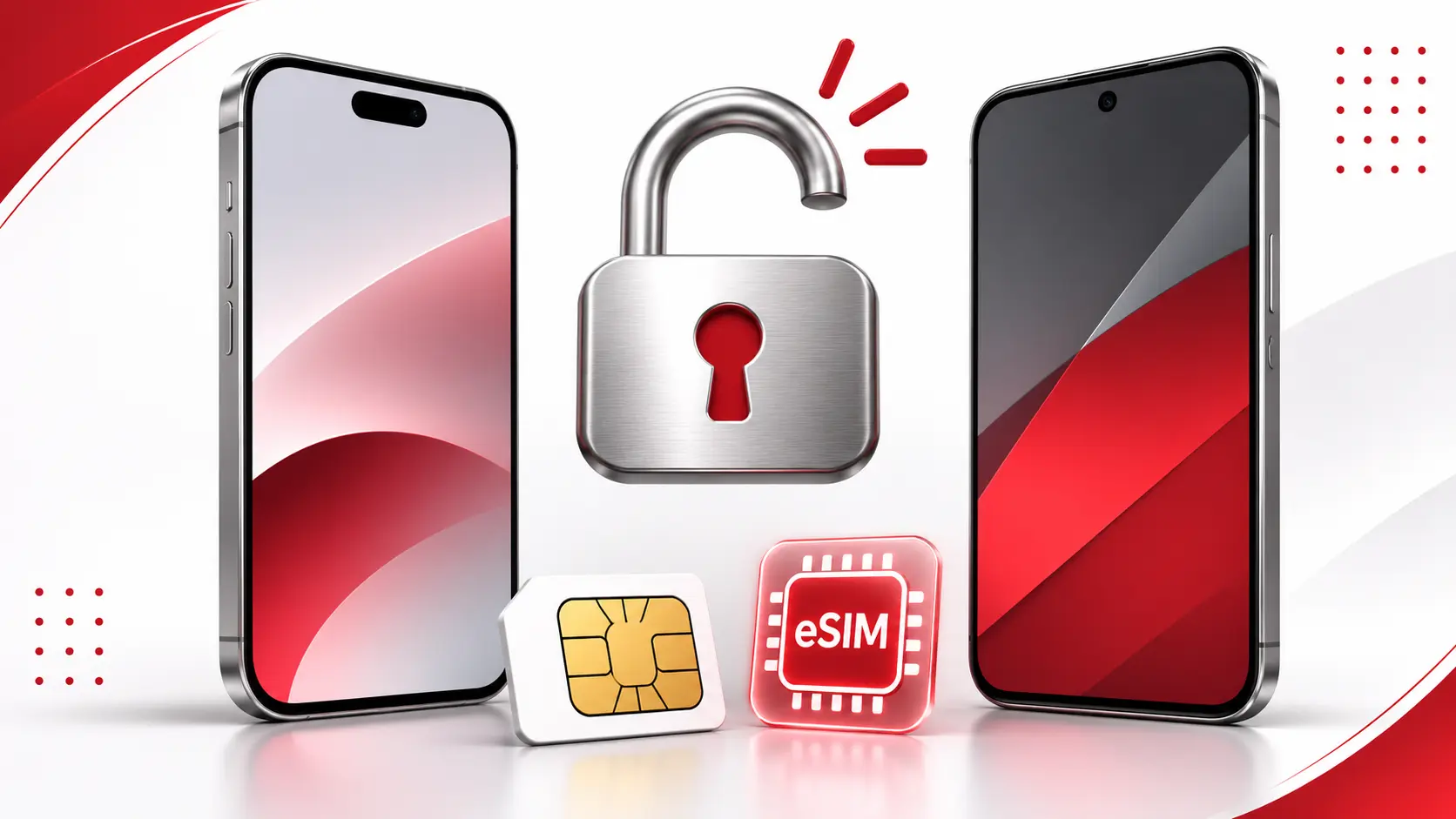
A carrier-locked phone may only work with the wireless provider that originally sold it. An unlocked phone, on the other hand, gives you more freedom to choose a carrier, compare plans, and use compatible SIM cards or eSIMs.
Fortunately, checking your phone’s unlock status is usually straightforward.
In this guide, we’ll show you how to check whether your iPhone or Android phone is unlocked, what to do if it’s still locked, and how to avoid common problems when switching carriers in the United States.
What Does It Mean When a Phone Is Unlocked?
An unlocked phone is a smartphone that isn’t restricted to one wireless carrier.
For example, if you purchased an unlocked phone and currently use AT&T, you may be able to switch to T-Mobile or Verizon without replacing your device.
A carrier-locked phone has software restrictions that can prevent it from activating with another provider until the original carrier removes the lock.
Here’s the key difference:
| Carrier-Locked Phone | Unlocked Phone |
|---|---|
| Restricted to a particular carrier | Can use other compatible carriers |
| May require an unlock request | Generally doesn’t need carrier unlocking |
| Limits switching options | Offers greater flexibility |
| May restrict other carriers’ eSIMs | Can use compatible SIMs and eSIMs |
Important: An unlocked phone isn’t automatically compatible with every network. You still need to check its supported cellular bands, network technology, and the new carrier’s device requirements.
How to Check If Your iPhone Is Unlocked
If you have an iPhone, Apple provides a built-in way to check its carrier lock status without removing your SIM card.
Step 1: Open Your iPhone Settings
Open the Settings app on your iPhone.
Step 2: Go to General
Scroll down and tap General, then select About.
Step 3: Find Carrier Lock
Look for the field labeled Carrier Lock.
Depending on the software and region, the wording may vary slightly.
Step 4: Check the Result
If you see No SIM restrictions, your iPhone is unlocked.
If it displays SIM locked or another restriction, your phone may still be locked to its original carrier.
If the status is unclear, contact your current carrier to confirm it.
Apple confirms that only the wireless carrier can authorize a carrier unlock. Apple itself cannot remove an operator’s network lock.
You can find additional instructions in Apple’s official iPhone unlocking guide.
How to Check If Your Android Phone Is Unlocked
Checking an Android phone can be slightly different because Samsung, Google Pixel, Motorola, and other manufacturers use different menus.
Unlike the iPhone’s Carrier Lock field, there isn’t one universal Android setting that works across every brand and model.
Method 1: Check Your Phone’s Settings
Some Android devices display information about their network lock status.
For example, on certain newer Samsung phones sold through AT&T, you can try:
- Open Settings.
- Select Connections.
- Tap More connection settings.
- Look for Network lock status.
If this option isn’t available, don’t assume your device is locked. Many Android models simply don’t display their unlock status in the same place.
Some carrier-branded Android phones also have a Network Unlock or Device Unlock feature.
Method 2: Try a SIM Card From Another Carrier
Testing with an active SIM card from a different network is one of the most practical ways to check an Android phone.
Here’s how:
- Turn off your phone.
- Remove your current physical SIM card.
- Insert an active SIM card from a different carrier.
- Turn your phone back on.
- Wait for the device to connect to the cellular network.
If your phone successfully connects, try making a call, sending a text, and using mobile data.
If those features work with the other carrier’s SIM, that’s strong evidence that your phone is unlocked.
However, if you see messages such as SIM not supported, Network locked, or Enter network unlock code, the device may still be carrier-locked.
A failed connection doesn’t always mean the phone is locked. The SIM could be inactive, the phone might not support the network, or the new carrier may require additional activation.
Can You Check If Your Phone Is Unlocked With an eSIM?
Yes, but the exact method depends on your phone and wireless provider.
An eSIM is a digital SIM that lets you activate a cellular plan without inserting a physical SIM card.
If your phone supports eSIM, you can check its carrier lock status through the device settings or ask the original carrier to verify it.
For iPhone users, the Carrier Lock field under Settings > General > About remains the simplest starting point.
Android users may need to use a carrier’s device unlock feature or contact the provider.
If you’re planning to activate an eSIM from another company, confirm that your phone is unlocked and supported by the new provider before purchasing or transferring a plan.
Remember: eSIM compatibility and carrier unlocking are two different things. A phone can support eSIM while remaining locked to its original carrier.
For more information, see our guide, eSIM vs Physical SIM in 2026: Which Is Better for Your Smartphone?
How to Check Your Phone’s Unlock Status With Your Carrier
If you aren’t sure about your device’s status, checking directly with the original carrier can provide a more reliable answer.
Here is what major U.S. wireless providers currently say about unlocking.
AT&T Phone Unlocking
AT&T allows eligible devices to be unlocked once its requirements are met.
For standard AT&T Wireless devices, requirements generally include:
- The device must have been purchased at least 60 days earlier.
- Any device installment balance must be paid in full.
- The phone must not be reported lost, stolen, or involved in fraud.
- The associated account must meet AT&T’s payment requirements.
Eligible Apple, Google, and certain Samsung devices may unlock automatically.
If you need assistance, visit the AT&T Device Unlock portal.
AT&T Prepaid devices follow different eligibility requirements, so check the policy that applies to your plan.
Verizon Phone Unlocking
Verizon updated its device unlocking policies in January 2026.
For devices purchased under Verizon’s standard monthly service on or after January 27, 2026, the current policy generally allows automatic unlocking when the device is purchased at full retail price or its financing balance is paid in full, subject to applicable restrictions.
For Verizon Prepaid devices purchased under the newer policy, the unlocking requirements are different and generally involve 365 days of paid, active service.
Devices activated before January 27, 2026, may fall under Verizon’s previous 60-day unlocking rules.
Because the applicable policy depends on the purchase date and plan, check the official Verizon unlocking policy before switching.
T-Mobile Phone Unlocking
T-Mobile provides device unlocking for phones that meet its eligibility requirements.
For postpaid customers, the requirements generally include:
- At least 40 days of activity on the T-Mobile network for the requesting line.
- Full payment of any financed or leased device.
- An account in good standing.
- No lost, stolen, or blocked device status.
Prepaid customers have different requirements.
T-Mobile says eligible devices that support remote unlocking are normally unlocked automatically within two business days of becoming eligible.
You can check eligibility through your T-Mobile account or the T-Life app.
For details, visit T-Mobile’s official device unlock support page.
How to Find Your Phone’s IMEI Number
Your phone’s IMEI (International Mobile Equipment Identity) is a unique identifier used to identify a cellular device.
Wireless carriers may request the IMEI when checking activation compatibility or unlocking eligibility.
To find it:
- Open your phone’s dialer.
- Enter *#06#.
- Your phone should display its IMEI number.
You can also find the IMEI in your device settings.
On an iPhone, open Settings > General > About.
On many Android devices, open Settings > About phone.
Some dual-SIM devices have more than one IMEI.
An IMEI number alone does not prove that a device is unlocked. Use the original carrier’s official support tools for reliable account and eligibility information.
Avoid submitting your IMEI to unfamiliar websites that promise instant unlocking.
What to Do If Your Phone Is Carrier-Locked
Discovering that your phone is locked doesn’t necessarily mean you need to replace it.
Start with these steps.
1. Contact the Original Carrier
Ask your current or original wireless carrier whether your phone qualifies for unlocking.
If you bought the phone secondhand, you may need to contact the carrier that originally sold it.
2. Check Your Payment Status
If you purchased your phone through monthly installments, check whether you still owe money on the device.
Some carriers require the full device balance to be paid before unlocking.
3. Submit an Unlock Request
If your device qualifies, follow the carrier’s official unlocking procedure.
The process may be automatic, require an online request, or involve instructions on the phone itself.
4. Confirm the Unlock
After your carrier completes the process, check the device status again.
For iPhones, revisit Settings > General > About > Carrier Lock.
For Android devices, use the carrier’s recommended verification method or test an active SIM from another compatible network.
Don’t assume that resetting a phone to factory settings will remove an active carrier lock. A reset is not a substitute for carrier authorization.
What to Check Before Switching Wireless Carriers
Even after confirming that your phone is unlocked, there are a few important things to verify.
Network Compatibility
Check whether your device supports the new carrier’s network, including its LTE and 5G bands.
An unlocked phone may have limited service on an incompatible network.
IMEI Compatibility
Use the new carrier’s official bring-your-own-device checker to confirm that your specific phone model is supported.
SIM or eSIM Support
Confirm whether the provider supports your device with a physical SIM, eSIM, or both.
Number Transfer
If you want to keep your current phone number, follow the new carrier’s porting instructions.
Do not cancel your existing wireless service before completing the number transfer, unless your new provider specifically instructs otherwise.
Existing Financial Obligations
Unlocking your phone does not automatically cancel device payments, installment agreements, or other outstanding charges.
Review your existing agreement before switching.
Frequently Asked Questions
How do I know if my iPhone is unlocked without a SIM card?
Open Settings > General > About and find Carrier Lock. If the field displays “No SIM restrictions,” your iPhone is unlocked.
Can an unlocked phone work with AT&T, Verizon, and T-Mobile?
Possibly, but not always. The phone must support the carrier’s network frequencies and activation requirements. Check your specific model and IMEI with the provider.
Can I unlock my phone for free?
Major U.S. carriers generally offer official unlocking without a separate unlocking fee when their eligibility requirements are satisfied. Outstanding device balances or service requirements may still apply.
Does paying off a phone automatically unlock it?
That depends on the carrier and device. Some eligible phones unlock automatically after final payment, while others require an additional request or waiting period.
Is an unlocked phone the same as a jailbreak or bootloader unlock?
No. Carrier unlocking removes restrictions on which cellular provider you can use. Jailbreaking or bootloader unlocking changes other software restrictions and is a separate process.
Can I use an international eSIM on a locked phone?
Usually not if the eSIM belongs to a different carrier and the phone remains restricted to the original provider. Verify your unlock status before buying a travel eSIM.
What if my unlocked phone still shows no service?
Check the SIM or eSIM activation, coverage, device compatibility, and network settings. If the problem continues, contact your new carrier.
Final Thoughts
Before switching wireless carriers, take a few minutes to confirm that your phone is unlocked.
For iPhone users, the quickest method is checking the Carrier Lock field in Settings. Android users can check supported device settings, review their carrier account, or test an active SIM card from another network.
If your phone is locked, contact the original provider and review its eligibility requirements before purchasing a new plan.
Most importantly, remember that an unlocked phone still needs to be compatible with your new carrier’s network.
Checking both details in advance can make switching providers easier and help you avoid unexpected activation problems.