
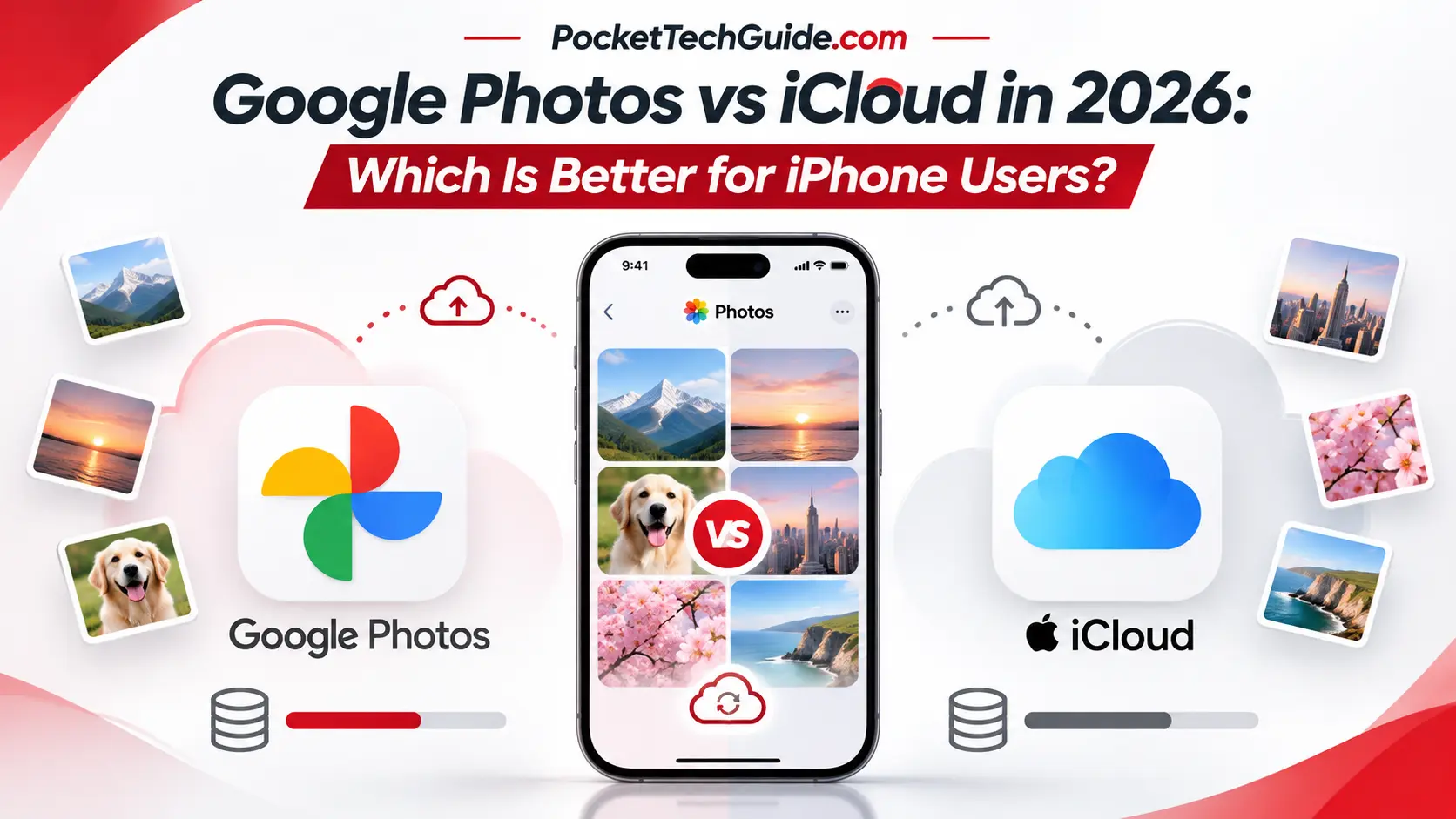
Google Photos vs iCloud in 2026: Which Is Better for iPhone Users?
Updated: November 20, 2026
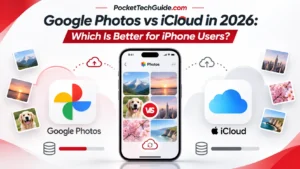
If you own an iPhone, you’ve probably wondered whether Google Photos or Apple iCloud is the better place to store your photos and videos.
Both services automatically save your memories to the cloud, but they differ in free storage, pricing, device compatibility, and how they manage your photo library.
Quick verdict: iCloud Photos is generally the better choice for people who use an iPhone and other Apple devices. Google Photos is an excellent alternative if you want more free storage or regularly switch between iPhone, Android, and Windows.
Let’s compare the two services in 2026.
Google Photos vs iCloud: Quick Comparison
| Feature | Google Photos | iCloud Photos |
|---|---|---|
| Free storage | 15GB | 5GB |
| Entry-level paid plan | 100GB | 50GB |
| Starting US price | $1.99/month | $0.99/month |
| iPhone support | Yes | Yes |
| Android support | Yes | Limited web access |
| Windows access | Web browser | Web and iCloud for Windows |
| Automatic photo backup/sync | Yes | Yes |
| Best for | Multiple platforms | Apple ecosystem |
Google’s free storage is shared across Gmail, Google Drive, and Google Photos. Apple’s free iCloud storage is also shared across supported iCloud services and backups.
1. Free Storage: Google Photos Wins
One of the biggest differences is how much storage you receive without paying.
Google Photos gives you 15GB of free Google Account storage, while iCloud includes 5GB.
For casual photographers, Google’s larger free allowance can be useful.
However, there’s a catch: the same Google storage is used by Gmail and Google Drive. If those services already contain large files, you may have less room for photos.
Apple’s 5GB limit can fill quickly, especially if you also use iCloud for device backups.
Winner: Google Photos for free storage capacity.
2. Pricing: Which Service Is Cheaper?
Both companies offer paid storage subscriptions.
Here are selected US monthly prices as of November 2026:
| Service | Storage | Monthly Price |
|---|---|---|
| iCloud+ | 50GB | $0.99 |
| iCloud+ | 200GB | $2.99 |
| iCloud+ | 2TB | $9.99 |
| Google One Basic | 100GB | $1.99 |
| Google AI Plus | 2TB | $9.99 |
Prices and available plans may change.
Apple offers a cheaper entry-level option at $0.99 monthly, while Google provides 100GB for $1.99 monthly.
If you need only a modest amount of additional storage, iCloud’s 50GB plan may be enough.
For larger libraries, compare the capacity you actually need rather than focusing only on the monthly subscription cost.
Winner: Depends on your storage needs.
3. Which Works Better on iPhone?
Apple’s iCloud Photos is deeply integrated into the iPhone Photos app.
Once enabled, your photos and videos automatically sync across devices using the same Apple Account.
Edits made on your iPhone can also appear on your iPad or Mac.
Google Photos works well on iPhone too, but it requires installing the Google Photos app and enabling backup.
Google’s biggest advantage is its flexibility. You can access your photos through Android phones, iPhones, and web browsers.
Winner: iCloud for Apple users; Google Photos for people using multiple platforms.
4. Which Is Better for Saving Phone Storage?
Both services can help when your iPhone is running out of space.
Apple offers Optimize iPhone Storage, which keeps full-resolution photos and videos in iCloud while maintaining smaller versions on your device when needed.
Google Photos provides a Free up space feature that removes selected device copies after confirming they have been backed up.
However, these features work differently.
With iCloud Photos, deleting a picture from your synced Apple Photos library also removes it from iCloud and other synced devices.
Likewise, deleting an image in Google Photos can remove its cloud and device copies.
Important: If you use both services, be particularly careful before deleting photos or using cleanup tools. Confirm that your originals are safely stored before removing anything.
For iPhone owners who want seamless storage optimization, iCloud is usually simpler.
5. Which Is Better for Long-Term Use?
If you expect to stay with Apple for years, iCloud is a convenient choice.
Your photos, edits, and albums stay closely connected to Apple’s Photos experience.
If you plan to switch between iPhone and Android, Google Photos may offer more flexibility.
Neither service should be your only copy of irreplaceable photos. Consider keeping an additional backup on a computer or external drive.
Frequently Asked Questions
Is Google Photos free on iPhone?
Yes. Google Photos is free to install, and Google Accounts include up to 15GB of shared storage. Additional storage requires a paid plan.
Is iCloud better than Google Photos?
iCloud is generally more convenient for people using Apple devices exclusively. Google Photos offers more free storage and better cross-platform accessibility.
Can I use Google Photos and iCloud together?
Yes. You can enable both services on an iPhone, but they have separate storage limits and different deletion behavior.
Does Google Photos automatically delete photos from iCloud?
Simply backing up photos to Google Photos does not automatically delete them from iCloud. However, deleting pictures from the device or using cleanup features can affect an iCloud-synced library.
Final Verdict: Google Photos or iCloud?
Choose iCloud Photos if you mainly use an iPhone, iPad, and Mac and want a seamless Apple experience.
Choose Google Photos if you want more free storage, use multiple operating systems, or expect to switch to Android later.
Both are useful services, and the better choice depends on your devices, budget, and storage habits.
For more practical smartphone comparisons and buying advice, explore the Reviews section at PocketTechGuide.com.