
Google Makes Gemini Tasks Free: What You Can Do With Its New AI Assistant
Published: November 18, 2026
Google has announced a major expansion of its Gemini AI assistant, making Tasks in Gemini available for free to eligible users in the United States and five other countries.
Announced on November 17, 2026, the update allows Gemini to go beyond answering questions and generating text. The AI assistant can now help complete everyday tasks, organize schedules, manage information across connected apps, and assist with shopping and appointments.
Some advanced capabilities can even make phone calls to businesses or prepare purchases through Google Pay, with user approval required for important actions.
The expansion is powered by Google’s new Gemini 4 Hydrogen AI model.
Here’s what changed, who can use the new features, and how to get started.
What Is Google Gemini Tasks?
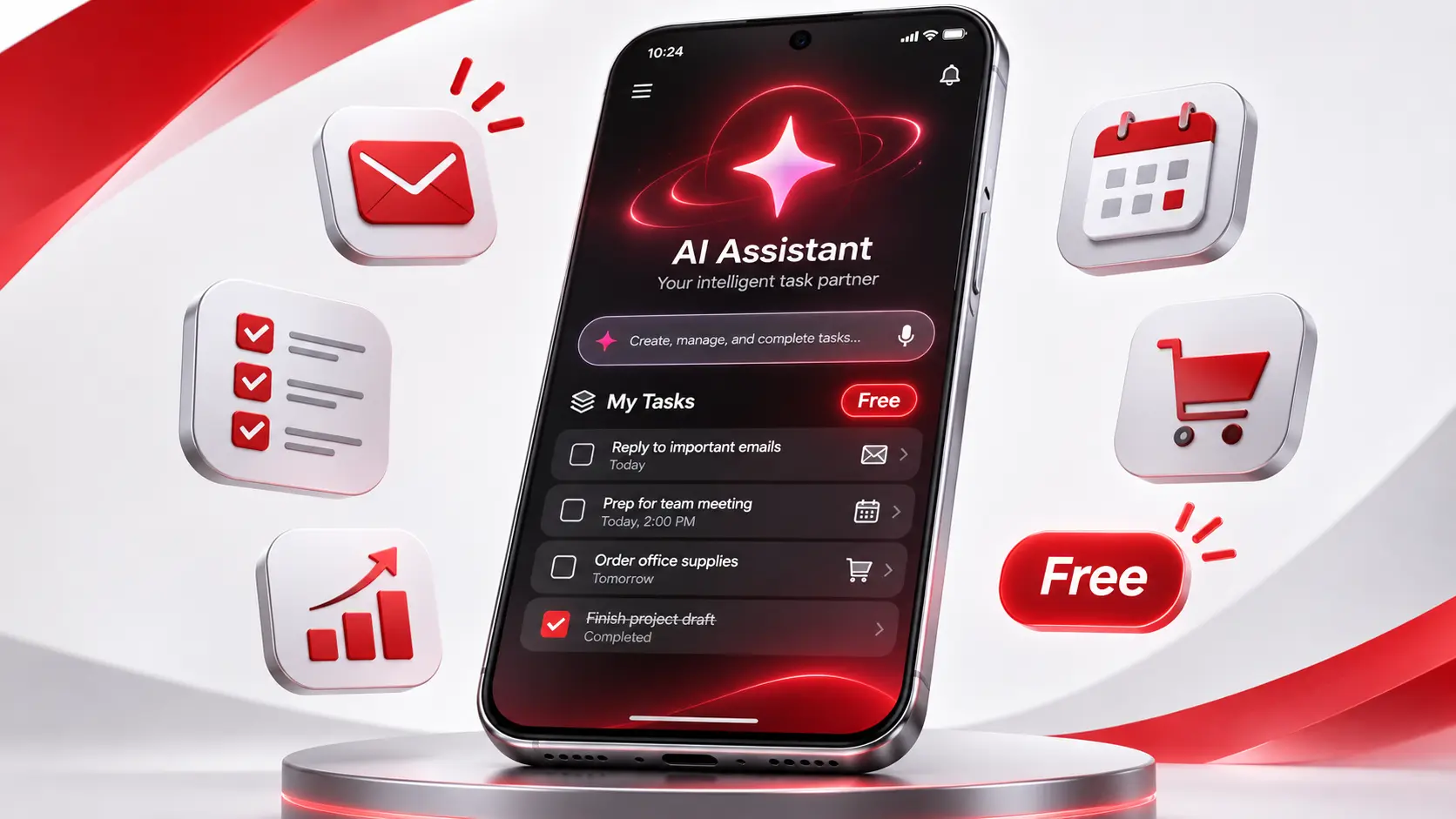
Tasks in Gemini is a feature that allows Google’s AI assistant to carry out multi-step activities on a user’s behalf.
Instead of simply explaining how to complete something, Gemini can take steps toward completing it using connected apps and supported websites.
For example, users can ask Gemini to organize information from emails, check calendar availability, research products, or prepare a shopping list.
Some tasks can run in the background, allowing users to continue with other activities while Gemini works.
Google previously offered similar agent capabilities under the name Spark, with access primarily limited to paid Google AI subscribers.
The November 2026 expansion brings these capabilities to a much wider audience.
Is Google Gemini Tasks Really Free?
Yes. Google announced that Tasks in Gemini is rolling out without a subscription fee for eligible users aged 18 or older in six countries:
- United States
- Canada
- Australia
- India
- Japan
- South Korea
Users generally need a personal Google Account.
The rollout began on November 17, 2026, so the feature may not appear immediately for every eligible user.
Some advanced capabilities have additional country, language, account, or device requirements. Certain features and usage levels may still depend on subscription access.
5 Things You Can Do With Gemini Tasks
1. Organize Your Gmail and Google Calendar
One of the most useful applications of Gemini Tasks is organizing information spread across different Google services.
Users can connect supported services such as Gmail and Google Calendar and ask Gemini to identify important messages, extract dates, and organize upcoming activities.
For example, you could ask:
“Review my recent meeting emails, identify important deadlines, and suggest calendar events for next week.”
Gemini can work across the permitted apps to prepare relevant results.
This could be especially helpful for students, professionals, and people managing busy family schedules.
You should still verify important dates and details before relying on an automated schedule.
2. Make Phone Calls to Businesses
Google has introduced the ability for Gemini to call supported businesses on a user’s behalf.
Instead of calling several repair shops or dealerships yourself, you can ask Gemini to collect information about appointment availability, pricing, or services.
Google says the assistant can identify itself as AI during calls and allows businesses to opt out.
For example:
“Call nearby auto repair shops and compare their appointment availability for Friday.”
The assistant can help collect the information and summarize the results.
However, this feature has regional restrictions. Google states that Gemini calling is not currently available in Indiana, Louisiana, Minnesota, Montana, or Nebraska.
The calling feature’s availability also depends on other supported conditions.
3. Shop Online With Google Pay
Gemini Tasks can assist users with comparing products and completing supported purchases.
Google has introduced Google Pay integration that allows the assistant to prepare a purchase and request the user’s approval before completing payment.
A user could ask Gemini to find a compatible phone charger below a specified price.
The assistant may compare options, identify available products, and prepare checkout through supported merchants.
Google says users can set a spending limit and review the purchase before authorizing payment.
Important: Payment-related features are subject to eligibility and availability restrictions. Users should always verify the merchant, product, total price, and delivery details before confirming a transaction.
4. Create Tasks Directly From Emails or Text Messages
Another major change is the ability to start certain Gemini tasks without opening a normal AI chat.
Eligible U.S. users can forward an email to gemini@google.com to initiate a supported workflow.
For example, you might forward school announcements containing multiple event dates and ask Gemini to organize them.
Google also introduced a text-message channel for eligible U.S. users with verified phone numbers and supported carriers.
This means users can submit requests through supported messaging apps and provide additional instructions while a task is running.
Text and email integrations have separate eligibility requirements and are being rolled out gradually.
5. Research Information and Manage Repetitive Work
Gemini Tasks can also help with multi-step research and recurring routines.
For example, users may ask it to prepare a weekly summary of important emails, research products within a budget, or organize an upcoming trip.
A task can involve several stages, such as gathering information, comparing options, and preparing a result.
Depending on the workflow, Gemini may use connected services or interact with supported websites.
The ability to combine several actions is what makes this feature different from a basic chatbot response.
How to Use Gemini Tasks
If the feature is available for your Google Account, getting started is relatively straightforward.
Step 1: Open Gemini
Visit gemini.google.com or open the Gemini app on a supported Android or iOS device.
Sign in using your Google Account.
Step 2: Switch From Chat to Task
Look for the option to switch from the normal Chat experience to Task.
If the option is missing, the rollout may not have reached your account, or your account may not meet the eligibility requirements.
Step 3: Describe What You Want Gemini to Do
Type your request in ordinary language.
For example:
“Help me plan a weekend trip to Chicago. Compare transportation options, find interesting places to visit, and prepare a simple itinerary.”
Be specific about important requirements such as your budget, destination, and preferred dates.
Step 4: Connect Apps When Needed
Some requests require permission to access applications such as Gmail, Calendar, or other supported services.
Review the requested permissions carefully and connect only the services you want Gemini to use.
Step 5: Review the Results
As Gemini completes the task, it may provide progress information or request additional instructions.
Review the final results and confirm any important actions.
Google notes that some tasks may require user intervention, particularly when a website or service does not fully support automated interactions.
How Is Gemini Tasks Different From Regular Gemini Chat?
The primary difference is the ability to take action.
| Regular Gemini Chat | Gemini Tasks |
|---|---|
| Answers questions | Can carry out multi-step workflows |
| Generates explanations | Can organize and act on information |
| Helps plan activities | Can assist with completing parts of a plan |
| Responds to prompts | Can work on supported tasks in the background |
| Often provides instructions | Can interact with connected apps and supported websites |
For example, a normal AI chat might explain how to compare insurance policies.
A task-oriented assistant may help organize the documents, identify differences, and prepare a comparison for the user to review.
However, the final accuracy and reliability still depend on the information available and the assistant’s capabilities.
Is Gemini Tasks Safe to Use?
Giving an AI assistant access to connected apps raises important privacy and security questions.
According to Google, Tasks in Gemini uses a hardware-isolated execution environment and additional security protections.
Google also says users can review permissions, disconnect connected apps, and manage relevant history and settings.
The assistant is designed to request confirmation for important actions, including purchases.
However, these safeguards do not eliminate every risk.
Google acknowledges that some tasks may fail, produce incorrect results, or require manual intervention.
Users should be particularly careful with:
- Financial and payment information.
- Passwords and account credentials.
- Sensitive personal documents.
- Medical or legal decisions.
- Automatic purchases or reservations.
Google advises users not to type sensitive login or payment information directly into a task conversation.
When an AI assistant works with personal information, it’s important to understand what data it can access and which actions it is authorized to perform.
What Is Gemini 4 Hydrogen?
Gemini 4 Hydrogen is the AI model Google introduced in November 2026 to support fast execution and task-oriented workflows.
Google says the model is optimized for activities involving tools, coding, and multi-step instructions.
Unlike AI systems focused mainly on answering complex questions, Hydrogen is designed to help execute workflows efficiently.
Google has integrated the model into several products, including the Gemini app and developer tools.
The availability of the model and its specific capabilities can vary by product and account type.
Why This Announcement Matters
For years, most people have used AI assistants mainly to generate text, answer questions, or summarize information.
Features such as Gemini Tasks represent a move toward assistants that can interact with apps and help users complete practical activities.
Making these capabilities available to free users could introduce more people to AI-powered task automation.
For American consumers, the most immediately useful applications may include managing busy schedules, comparing shopping options, researching services, and organizing information from emails.
However, the usefulness of the feature will depend on how accurately it completes requests and how reliably connected apps and websites support it.
Users should treat the AI as an assistant that can reduce repetitive work, not as a replacement for reviewing important decisions.
Frequently Asked Questions
Is Gemini Tasks free in the United States?
Yes. Google announced free access for eligible users aged 18 and older in the United States. The feature began rolling out on November 17, 2026.
Can I use Gemini Tasks on an iPhone?
Yes, supported features are available through the Gemini app on iOS. Availability varies by account and rollout status.
Can Gemini make phone calls for me?
Google has introduced business-calling capabilities for eligible users, subject to geographic restrictions. The company says calling is not currently available in five U.S. states.
Can Gemini buy products without my permission?
Google says its supported Google Pay checkout feature requires explicit user approval before completing purchases.
Does Gemini Tasks work with Gmail?
Yes. Users can connect supported Google services, including Gmail, and eligible U.S. users can initiate certain tasks by forwarding emails to gemini@google.com.
What if I cannot see the Task option?
The feature may still be rolling out, or your account, age, region, or device may not meet the requirements. Check the Gemini app and Google’s official support information for current availability.
Is Gemini Tasks the same as a chatbot?
Not exactly. A chatbot primarily generates responses, while Gemini Tasks can assist with multi-step actions across supported apps and services.
Final Thoughts
Google’s decision to make Gemini Tasks available to free users is an important development in the evolution of AI assistants.
Instead of simply answering questions, Gemini can now help eligible users organize information, manage schedules, interact with supported services, and complete selected tasks.
Its new integrations with Google services, messaging, business calling, and shopping could make the assistant more useful for everyday activities.
Still, users should review permissions, verify results, and approve important actions carefully.
As the rollout expands, Gemini Tasks offers a practical glimpse of how artificial intelligence may become more involved in everyday digital routines.
For more updates on artificial intelligence, smartphones, and consumer technology, explore the Tech News section at PocketTechGuide.com.