
Smartphones are changing rapidly, and one of the biggest changes is something you might not even notice: the SIM card.
For years, mobile phones have relied on small physical SIM cards to connect to cellular networks. Now, many newer smartphones use eSIM technology, allowing users to activate mobile service without inserting a physical card.
But is eSIM actually better than a traditional SIM card? And should you make the switch in 2026?
In this guide, we’ll explain the key differences, advantages, disadvantages, and what U.S. smartphone users should know.
What Is an eSIM?
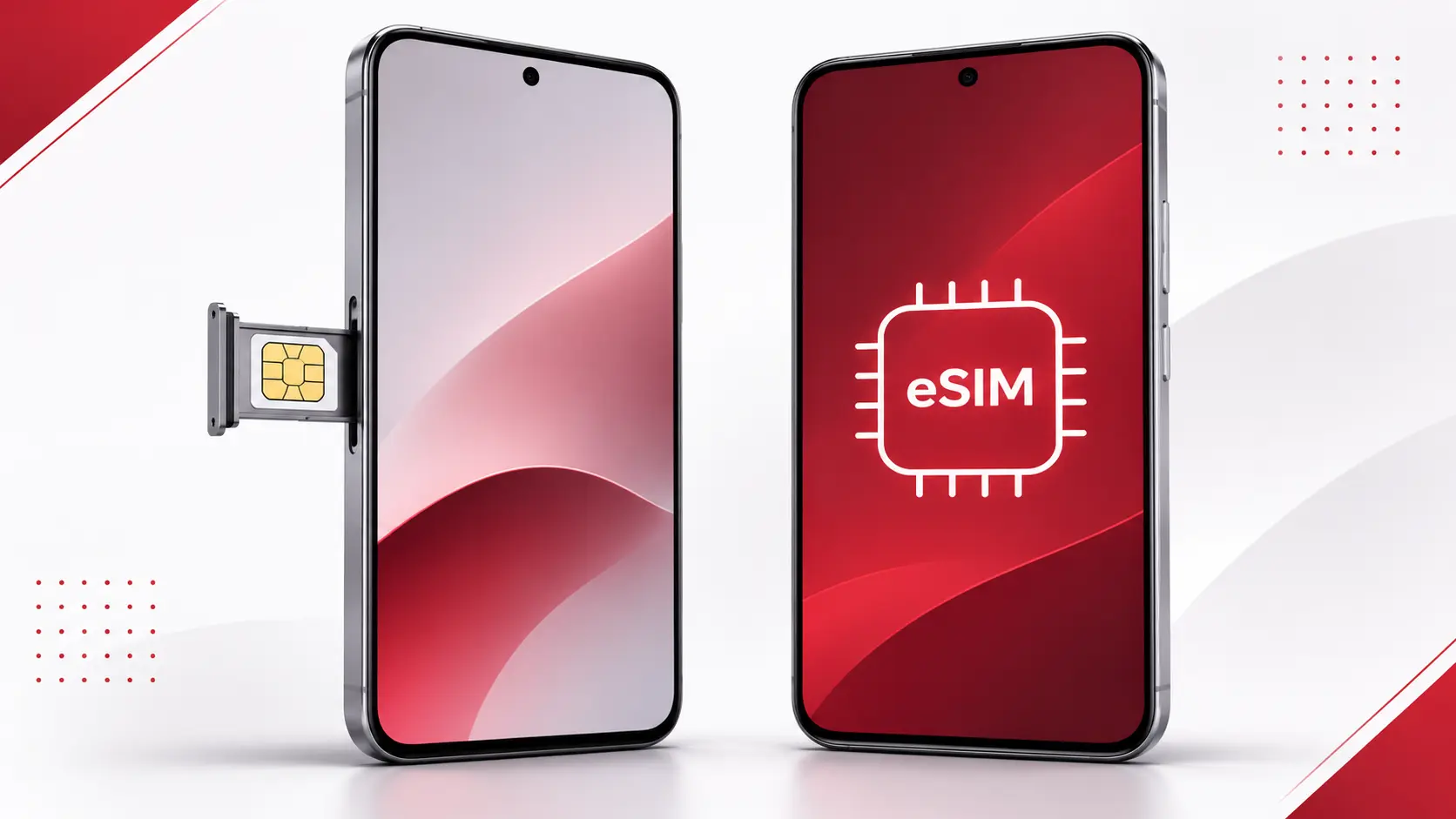
An eSIM, short for embedded SIM, is a digital SIM built directly into your smartphone.
Unlike a traditional SIM card, an eSIM doesn’t require a removable plastic chip. Instead, your mobile carrier provides a digital cellular plan that can be downloaded and activated on your device.
Major U.S. carriers, including AT&T, Verizon, and T-Mobile, support eSIM technology on compatible devices.
This means you can activate a phone number, switch between supported plans, and manage cellular connections without physically replacing a SIM card.
eSIM vs Physical SIM: Key Differences
| Feature | eSIM | Physical SIM |
|---|---|---|
| Installation | Digital activation | Insert a card |
| Removable | No | Yes |
| Switching phones | May require digital transfer | Move the card |
| Travel convenience | Easy to add supported travel plans | Requires a compatible card |
| Physical theft | Cannot be removed | Can be removed |
| Network performance | Depends on phone and carrier | Depends on phone and carrier |
Both technologies perform the same essential function: connecting your smartphone to a mobile network.
The biggest differences involve convenience, compatibility, and how you manage your cellular plan.
1. eSIM Makes Smartphone Setup More Convenient
One of the biggest advantages of eSIM is that you don’t need to visit a store to obtain a physical SIM card.
Depending on your carrier and device, you may be able to activate your mobile plan directly from your smartphone settings.
Some carriers support automatic activation, while others provide a QR code or activation instructions.
However, transferring an eSIM between phones isn’t always as straightforward as moving a physical SIM card. Certain transfers require additional carrier verification.
2. eSIM Can Be More Convenient for International Travel
If you travel internationally, eSIM technology can be especially useful.
Instead of purchasing a physical SIM card after arriving in another country, you may be able to install a compatible travel eSIM plan before departure.
This can help travelers avoid expensive international roaming charges, depending on the plan they choose.
Many smartphones also support multiple cellular plans, allowing users to maintain their regular phone number while using another plan for mobile data.
Before traveling, make sure your phone is unlocked, supports the destination carrier’s network, and is compatible with the travel eSIM you intend to use.
3. Is eSIM More Secure Than a Physical SIM?
eSIM offers an important physical security advantage.
Because the SIM is embedded in the smartphone, someone cannot simply remove it and insert it into another device.
However, eSIM does not eliminate SIM-swap fraud.
Criminals may still attempt to convince a carrier to transfer your phone number to a different device.
For better protection, use a strong account password, enable your carrier’s account security features, and choose an authentication method such as an authenticator app or security key where available.
4. Does eSIM Improve Internet Speed?
A common misconception is that eSIM automatically provides faster mobile internet than a traditional SIM card.
In reality, switching from a physical SIM to an eSIM does not inherently improve download speeds or network coverage.
Your actual performance depends on several factors, including:
- Your smartphone’s cellular modem
- Your mobile carrier
- Local network coverage
- Your cellular plan
- Network congestion
- Supported 4G LTE and 5G bands
An eSIM and physical SIM using the same carrier and equivalent service should generally deliver comparable network performance on the same device.
5. Which Smartphones Support eSIM in 2026?
Most major smartphone manufacturers offer eSIM support on selected models.
Apple iPhone
All iPhone 14 and newer models sold in the United States use eSIM instead of a physical SIM card.
Many older models, including the iPhone 13 series, support both physical SIM and eSIM.
Samsung Galaxy
Many Samsung Galaxy flagship smartphones support eSIM, including supported Galaxy S, Z Fold, and Z Flip models.
However, availability varies depending on the model, country, and carrier.
Google Pixel
Google has supported eSIM on Pixel devices for several generations.
U.S. versions of the Pixel 10, Pixel 10 Pro, and Pixel 10 Pro XL rely on eSIM rather than physical SIM cards.
Always check your exact model before purchasing a new cellular plan.
6. How to Activate an eSIM
The activation process depends on your phone and mobile carrier.
On iPhone
- Open Settings.
- Select Cellular.
- Tap Add eSIM.
- Follow your carrier’s activation instructions.
- Complete setup and verify that cellular service works.
On Google Pixel
- Open Settings.
- Select Network & internet.
- Tap SIMs.
- Select Add SIM.
- Choose Set up an eSIM and follow the instructions.
Samsung and other Android manufacturers may use slightly different settings menus.
Make sure you have a stable internet connection during activation.
7. Should You Switch to eSIM in 2026?
The best choice depends on how you use your smartphone.
Choose eSIM if:
- You regularly travel internationally.
- You want to manage multiple compatible mobile plans.
- You prefer digital activation.
- Your smartphone does not have a physical SIM slot.
Keep a physical SIM if:
- Your current phone doesn’t support eSIM.
- You frequently move your SIM between compatible phones.
- Your carrier offers better support for physical SIM activation.
For many U.S. consumers buying a modern smartphone, eSIM is becoming the standard rather than an optional upgrade.
Frequently Asked Questions
Can I use eSIM and physical SIM at the same time?
Yes, some smartphones support dual SIM functionality using one physical SIM and one eSIM. Other models support two active eSIMs. Compatibility depends on the device and carrier.
Can I keep my phone number when switching to eSIM?
Usually, yes. Your carrier can typically move your existing mobile number to an eSIM, subject to its activation and verification procedures.
Does eSIM cost more?
eSIM technology itself does not require a more expensive cellular plan. However, carriers may have different activation fees, policies, or service charges.
Can I go back to a physical SIM?
If your phone has a physical SIM slot and your carrier supports physical SIM activation, switching back may be possible. eSIM-only phones cannot use a physical SIM card.
Final Verdict: Is eSIM Better in 2026?
For many smartphone owners in the United States, eSIM is the more convenient option.
It reduces the need for physical SIM cards, makes adding compatible travel plans easier, and offers protection against someone physically removing your SIM.
However, physical SIM cards still have advantages, especially for people who frequently transfer service between compatible devices.
Ultimately, neither SIM type guarantees better cellular speeds. The right choice depends on your smartphone, carrier, and personal preferences.
As eSIM-only smartphones become increasingly common, understanding this technology will help you make a more informed decision when purchasing your next phone.