
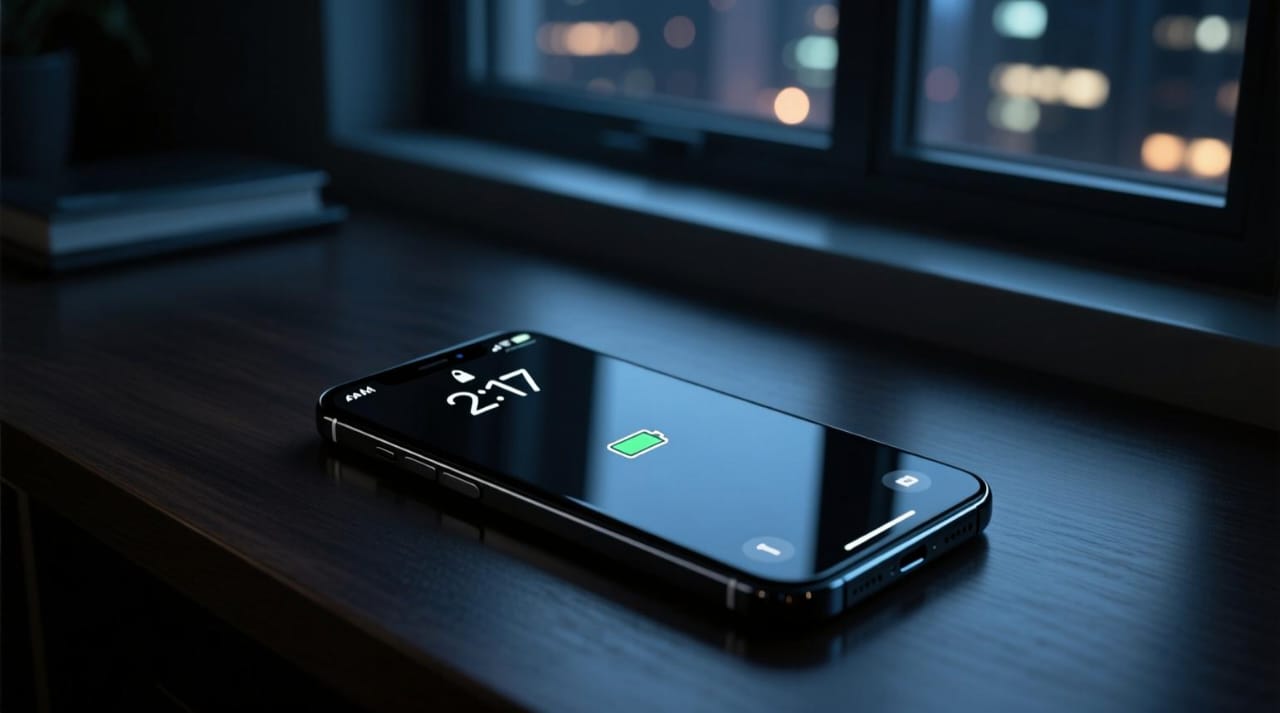
Smartphone battery life is one of the most important factors in everyday mobile use. Whether you own an iPhone or an Android device, running out of battery during a busy day can be frustrating.
Fortunately, a few simple changes can help reduce unnecessary power consumption and keep your phone running longer between charges.
Here are seven practical ways to improve smartphone battery life in 2026.
1. Reduce Your Screen Brightness
Your smartphone display can consume a significant amount of power, especially when brightness is set to maximum.
Lowering the brightness to a comfortable level can help conserve battery life.
You can also enable automatic or adaptive brightness so your phone adjusts its display based on surrounding lighting conditions.
2. Enable Battery Saver Mode
Most modern smartphones include a battery-saving feature.
On Android devices, it is commonly called Battery Saver or Power Saving Mode. On iPhones, Apple provides Low Power Mode.
These features can reduce certain background activities and help extend battery life when your charge is running low.
3. Review Background App Activity
Some applications continue performing tasks even when you are not actively using them.
Background activity can include checking for updates, refreshing content, and using location services.
Review your phone’s battery usage settings to identify apps consuming unusually large amounts of power.
Avoid disabling essential background functions without understanding their purpose.
4. Use Wi-Fi When Practical
Mobile network connections can consume more energy in some situations, especially when cellular coverage is weak.
Using a stable Wi-Fi connection may help reduce battery consumption.
However, actual power usage depends on signal strength, network technology, and how you use your device.
5. Keep Your Smartphone Updated
Software updates can include performance improvements, security patches, and fixes for battery-related issues.
Check for updates regularly and install official releases from your device manufacturer.
Remember that battery performance can temporarily vary after a major software update while background processes complete.
6. Avoid Extreme Temperatures
Excessive heat can negatively affect lithium-ion battery performance and long-term health.
Avoid leaving your smartphone in direct sunlight, inside a hot car, or near heat sources.
If your phone becomes unusually hot while charging or gaming, allow it to cool down naturally.
7. Check Your Battery Health
Smartphone batteries gradually lose capacity as they age.
Some devices provide battery health information directly in their settings.
If your phone’s battery drains unusually quickly, checking battery health and reviewing app usage can help identify possible causes.
For an older device with a significantly degraded battery, professional battery replacement may be worth considering.
Bonus Tip: Adjust Your Screen Timeout
Setting your display to turn off sooner when you are not using it can help avoid unnecessary battery consumption.
A shorter screen timeout is a simple adjustment that requires little effort.
Final Thoughts
Improving smartphone battery life does not always require buying a new device.
Small changes such as adjusting screen brightness, limiting unnecessary background activity, and avoiding extreme heat can make a noticeable difference.
For the best results, combine these habits with regular software updates and appropriate battery maintenance.