
Google Home Update Adds Digital House Keys, Smarter Cameras, and Nest Upgrades
Published: November 18, 2026
Google is making its smart home platform more convenient with a new wave of updates for Google Home, Google Wallet, Nest cameras, and Nest thermostats.
Announced on November 17, 2026, the latest improvements include digital house keys for compatible Android phones, smarter security camera alerts, faster Gemini voice responses, and new home energy-saving features.
Some features are already rolling out, while others are expected to arrive in December.
Here’s a closer look at six important changes and what they mean for Google Home users in the United States.
What’s New in the November 2026 Google Home Update?
Google’s latest announcement focuses on making everyday smart home activities easier.
| New Feature | What It Does | Availability |
|---|---|---|
| Digital Home Keys | Unlock compatible doors using an Android phone | Rolling out |
| Smarter Camera Alerts | Adds sound information to supported camera event descriptions | Premium Advanced |
| Faster Gemini for Home | Improves responses to everyday requests | Rolling out |
| Nest Energy Savings | Shows estimated cumulative heating and cooling savings | Coming in December |
| Third-Party Temperature Sensors | Helps manage temperatures in different rooms | Coming in December |
| Smart Home Controls | Improves energy management and device convenience | Varies by feature |
Availability depends on your devices, subscriptions, location, and rollout status.
1. Google Wallet Can Now Unlock Your Front Door
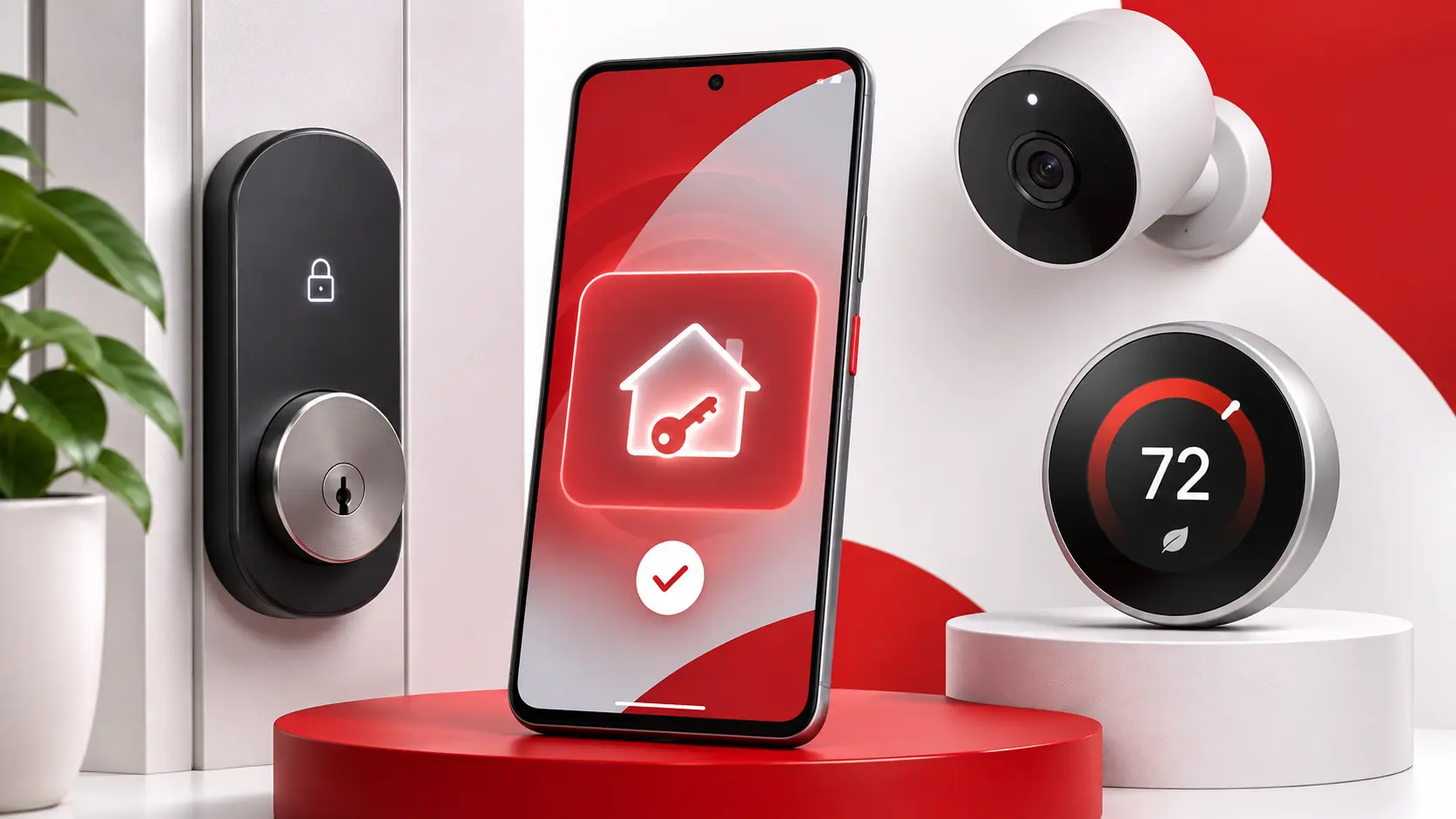
One of the biggest changes is the introduction of digital home keys in Google Wallet.
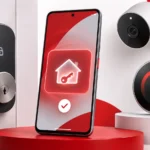
With compatible smart locks, Android users can unlock their front doors without searching for a physical key.
Google supports two unlocking methods:
Tap to Unlock
You can hold a compatible NFC-enabled Android smartphone near a supported smart lock to unlock the door.
Unlock on Approach
With compatible Ultra-Wideband (UWB) hardware, your phone can automatically unlock a supported door as you approach.
This feature requires appropriate setup and compatible devices.
Not every Android smartphone or smart lock supports these options.
What Do You Need?
The requirements may include:
- A compatible Android smartphone.
- The Google Home app and Google Wallet.
- A supported Matter and Aliro smart lock.
- A compatible Google Home hub with the required networking capabilities.
- Access to the feature as it becomes available.
Google initially introduced digital home keys through the Google Home Public Preview program, with broader availability planned over the following weeks.
Examples of supported lock products include select models from Aqara, Schlage, and Nuki.
Before buying a smart lock, verify its specific compatibility with Google Wallet home keys.
2. Nest Cameras Are Getting Smarter Security Alerts
Google is expanding the information available in certain Nest camera and doorbell notifications.
Previously, camera event descriptions primarily focused on what a camera could see.
With the new improvements, supported cameras can also use recorded audio to add context to event descriptions.
For example, a camera alert may help you understand that an event included:
- A barking dog.
- The sound of breaking glass.
- Other important sounds captured alongside movement.
This could make security notifications more informative without requiring users to watch every recorded event.
However, there is an important limitation.
Audio-enhanced event descriptions require Google Home Premium Advanced, and the relevant camera must have its microphone and audio recording enabled.
Not every Nest camera or Google Home user will receive the same capabilities.
Users should also review their household’s privacy preferences before enabling audio recording.
3. Gemini for Home Is Getting Faster
Google is continuing to improve Gemini for Home, its AI-powered smart home assistant.
According to the company, everyday requests can now be handled up to 20% faster.
This includes interactions such as setting timers and controlling compatible smart home devices.
Google is also working to make conversational interactions feel more natural.
With Gemini Live, users can have longer conversations and interrupt or redirect the assistant without necessarily starting over.
For example, you could ask Gemini to help plan your evening while also requesting a reminder or adjusting a compatible light.
Some new Gemini Live capabilities are scheduled to expand over the coming weeks.
Google is also expanding Gemini for Home to additional countries, although rollout timing and language availability vary.
Is This the Same as Gemini Tasks?
No.
Gemini for Home focuses on controlling compatible smart home devices and providing assistance through Google’s home ecosystem.
Gemini Tasks is a separate task-oriented feature designed to help users complete workflows involving supported apps and services.
Both reflect Google’s growing focus on AI assistants that do more than answer simple questions.
4. Nest Thermostats Will Show Energy Savings Estimates
Google plans to introduce new energy savings information for Nest thermostat users in the United States and Canada.
Beginning in December 2026, eligible users will be able to view estimates of how much energy-related spending their thermostat may have helped them avoid.
The information will appear within supported Google Home interfaces.
This could be especially useful for homeowners trying to understand their heating and cooling costs.
How Does It Help?
Instead of simply displaying the current indoor temperature, the app will provide an estimate of the cumulative savings associated with thermostat behavior.
However, these figures are estimates, not guaranteed reductions in actual utility bills.
Real savings depend on factors such as local electricity and gas prices, home insulation, climate, and individual usage patterns.
For American households facing seasonal heating or cooling expenses, this addition could make smart thermostat performance easier to evaluate.
5. Nest Learning Thermostat Gets Third-Party Sensor Support
Another upcoming improvement is support for compatible third-party room temperature sensors.
Google says its fourth-generation Nest Learning Thermostat will support sensors from companies including IKEA, Eve, and Aqara.
This feature is expected to begin arriving in December.
Why Does This Matter?
Temperatures can vary significantly between rooms.
For example, a bedroom upstairs might be warmer than a living room downstairs.
Compatible remote temperature sensors can help the thermostat account for conditions in different areas of a home.
That can provide greater flexibility when managing heating and cooling.
However, compatibility will depend on the specific sensor and thermostat model.
Users should not assume that every third-party temperature sensor will work with every Nest thermostat.
6. More Convenient Google Home Controls
Google’s November updates also include a collection of smaller improvements.
Eco Mode Everywhere
Households with multiple supported Nest thermostats can use a single control to enable Eco mode across those devices.
This helps simplify energy-saving adjustments when leaving home or changing household routines.
Improved Camera Playback
Google has made changes to camera event history and playback controls.
On the web, supported users can navigate recordings more easily through improved video scrubbing and keyboard shortcuts.
Doorbell Theme Previews
The Google Home app now offers previews of supported Nest Doorbell themes.
This allows users to hear a theme without physically going to the front door.
Additional Thermostat Displays
Google is introducing new Dynamic Farsight display options for the fourth-generation Nest Learning Thermostat.
The upcoming designs include more personalization options and a lunar-themed display.
Some of these features are already available, while others will arrive through future updates.
How to Check for the New Google Home Features
If you own a Google Home or Nest device, start by updating the Google Home app.
On Android
- Open the Google Play Store.
- Search for Google Home.
- Tap Update if an update is available.
- Open Google Home and review your connected devices.
- Check whether the relevant new controls or features have appeared.
On iPhone
- Open the App Store.
- Search for Google Home.
- Install any available update.
- Open the app and review the features supported by your devices.
Note: Google Wallet digital home keys are an Android-focused feature. Updating Google Home on an iPhone does not add the Android-only home key functionality.
Even with the latest version of the app, some features may not appear immediately because Google is releasing them gradually.
Do You Need New Hardware?
Not necessarily.
Some improvements are software-based and may become available for devices you already own.
However, other features require specific hardware.
For example, digital home keys require compatible locks and Android devices, while third-party temperature sensor support is being introduced for the fourth-generation Nest Learning Thermostat.
Before purchasing new accessories, confirm the exact hardware requirements on Google’s official support pages.
Frequently Asked Questions
Can I unlock my front door with Google Wallet?
Yes, if you have a supported Android phone, compatible smart lock, and the required setup. Digital home keys are rolling out through Google Home.
Does Google Wallet work with every smart lock?
No. The new functionality requires compatible hardware and supported standards, including Aliro.
Can iPhone users use Google Wallet home keys?
The announced Google Wallet home key functionality is for compatible Android devices. iPhone users should check the digital key options supported by their own phones and locks.
Is the new Google Home update free?
Many Google Home app improvements do not require a separate subscription. However, certain features, including enhanced camera event descriptions, require Google Home Premium Advanced. Compatible hardware may also be necessary.
When will the Nest energy savings feature arrive?
Google says estimated cumulative savings are planned to become available to eligible Nest thermostat users in the U.S. and Canada starting in December 2026.
Will all Nest thermostats work with third-party sensors?
No. The newly announced third-party room sensor support specifically focuses on the fourth-generation Nest Learning Thermostat and compatible sensors.
Is Gemini for Home available everywhere?
No. Availability varies by country, language, supported device, and rollout stage.
Final Thoughts
Google’s November 2026 Home update brings several meaningful improvements to its smart home ecosystem.
Digital home keys could make entering a house more convenient, while improved Nest camera alerts may help users better understand important events.
The upcoming thermostat features are particularly interesting for U.S. homeowners looking for better temperature control and clearer information about energy savings.
Meanwhile, faster Gemini responses show that Google continues to invest in making everyday smart home interactions more natural.
Not every feature is available to everyone yet, so users should check their device compatibility and update status before expecting the new tools to appear.
For more coverage of Google, Android, artificial intelligence, and consumer technology, explore the Tech News section at PocketTechGuide.com.